


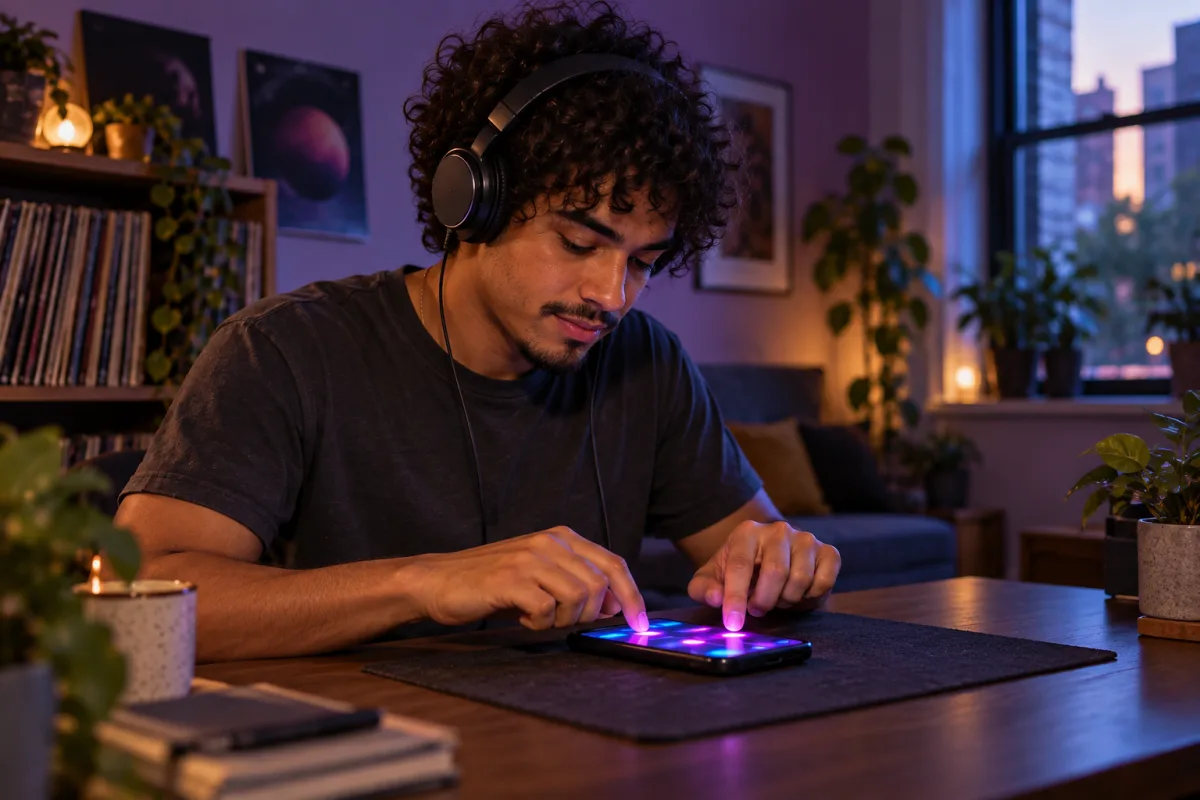
What finger drumming is
Instead of sticks and a drum kit, you play each sound yourself on a pad: the kick, the snare, the hi-hats, sometimes bass and melody too. Your fingers do the job of the drummer, so your timing is the beat.
That is why practice focuses on timing first. A beat played slowly and evenly sounds better than a fast one that drifts.
A simple practice routine
These are practice tips, not rules. Adapt them to your level and your time.
Listen before you play
Each lesson plays the beat first. If you are unsure, watch the demo, where the app plays the lesson by itself, pad by pad.
Start with easy packs
Packs are marked Easy, Medium or Hard. Begin with an easy one and move up when your scores are steady.
Share the work between your hands
Keep the same finger or thumb on the same sound, for example one hand on the kick and snare, the other on the hi-hats.
Aim for steady, then fast
Go for even timing before anything else. Replay a lesson until most taps are Perfect or Good, then try a harder one.
Practice little and often
Short, regular sessions are easier to keep up than one long session now and then. Pick up where you left off with the Continue row of the app.
Read your score
Beat Maker Pro rates every tap in a lesson. The rating tells you not only how close you were, but in which direction you were off.
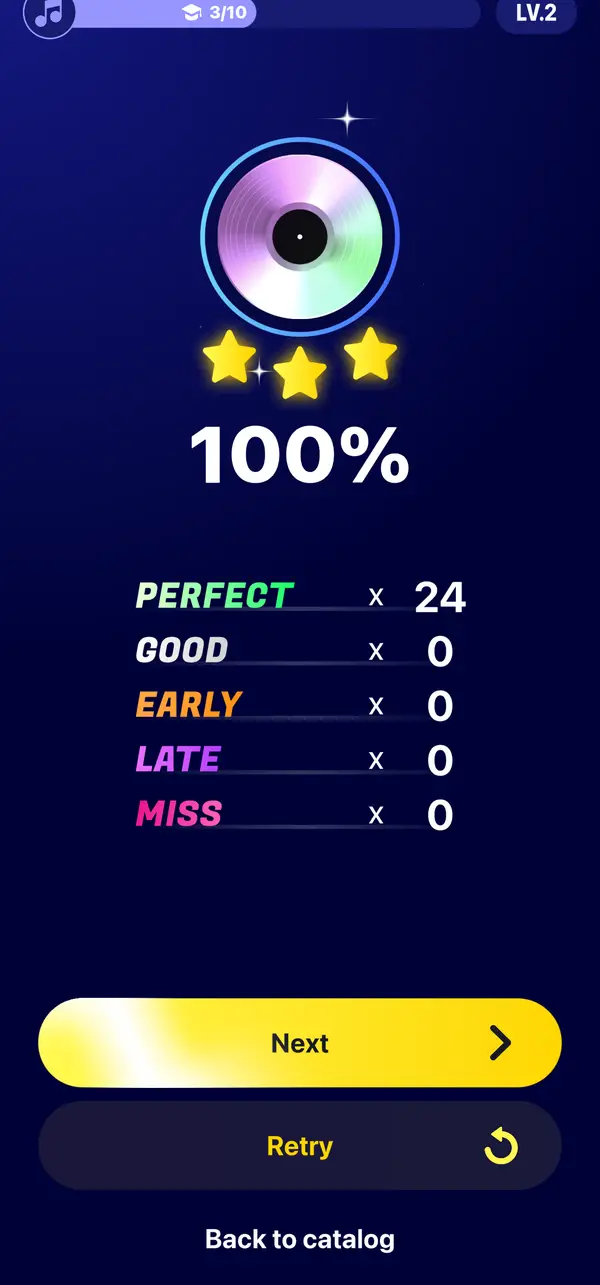
In your profile, the Stats tab shows the share of each rating across all your lessons, along with your stars and vinyls.
Set up your phone
- Sound
Use the phone speaker or wired headphones. Bluetooth headphones can add a delay to the sound. Why it happens.
- Haptics
Turn haptic feedback on or off in the app settings, depending on what helps you feel the pads.
- Position
Beat Maker Pro plays in portrait. Find a grip where both thumbs reach every pad without stretching.
Questions & answers
A few things worth knowing
How long does it take to learn finger drumming?
It depends on how often you practice and where you start. Your lesson scores, stars and stats let you see your progress pack after pack.
Can I learn finger drumming without a pad controller?
Yes. The touchscreen of your phone or tablet works as the pads. Beat Maker Pro runs on iPhone, iPad and Android.
Is career mode good practice too?
It trains your timing differently: you follow notes falling in four lanes and keep a streak going for combos. Discover career mode.