
Custom packs
Build your own kit.
Play it your way.
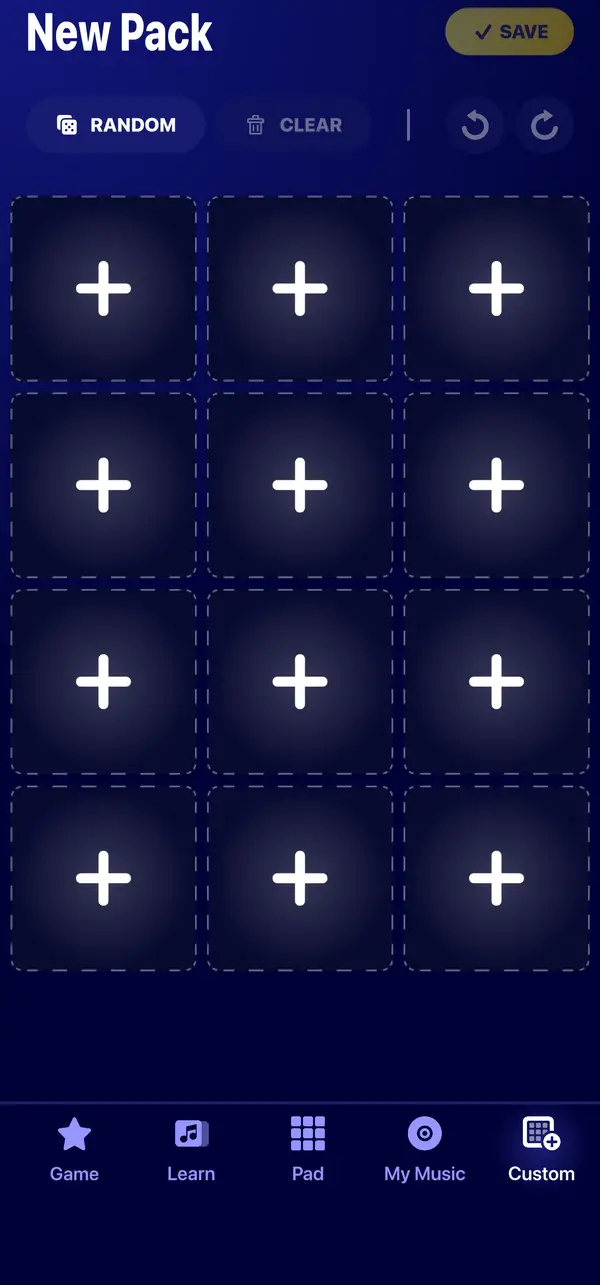
In the Custom tab, pick sounds from the Beat Maker Pro library, place them on 12 pads and save your own pack. Then play it like any other pack.


Three steps to your kit
A custom pack is one deck of 12 pads, filled with the sounds you choose.
Fill the pads
Tap an empty pad and choose a sound from the library, or let the app fill the empty pads at random with sounds you have unlocked.
Fine-tune
Undo, redo or clear the pads until your kit sounds right.
Save it
Give your pack a name and pick a cover photo from your gallery. Your pack appears in My Packs, ready to play.
The sound library
Kicks, snares, bass, synths.
Find the right sound.
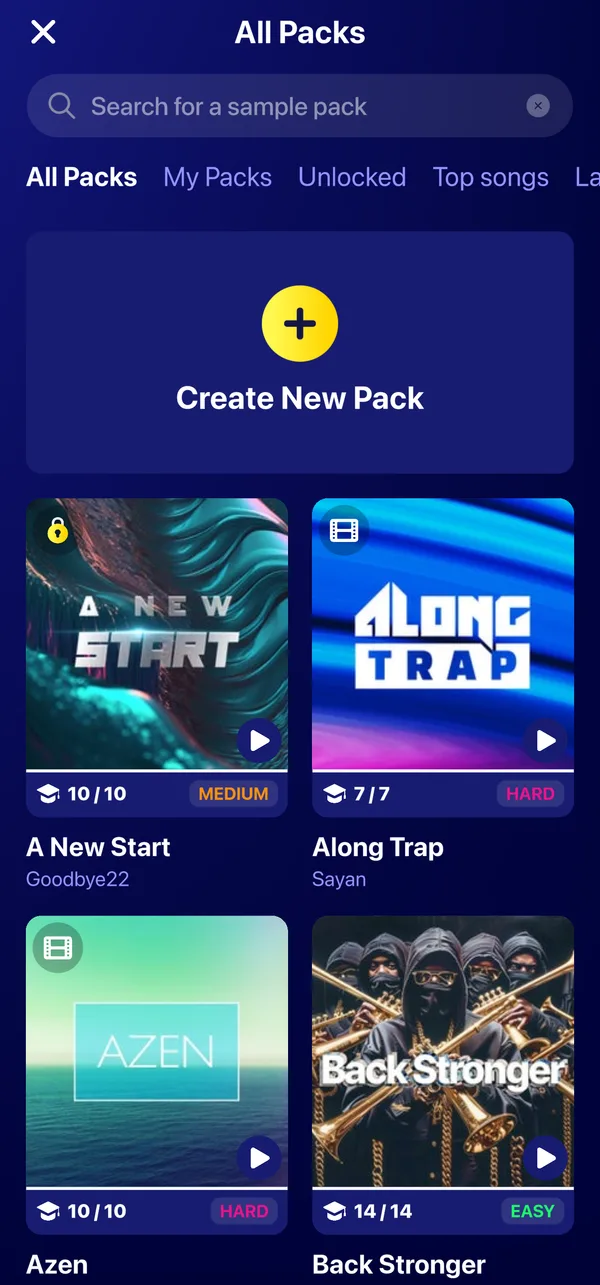
Search the library, filter by type of sound, such as kick, snare, hi-hat, bass or vocals, and preview a sound before you place it on a pad.
Search and filter
Find sounds by name or browse them by category.
Preview
Listen to a sound before you add it.
Random fill
Fill the empty pads with unlocked sounds in one tap.
Edit later
Open your pack from the pad screen to change its sounds.
Questions & answers
Questions about custom packs
Is it free to create a custom pack?
Yes, and you can create as many packs as you like. Some sounds of the library come from packs you have not unlocked yet and are marked as premium: if you use them, the app offers the subscription when you save, and those pads stay locked without it.
Can I add my own sounds?
No. Custom packs use the sounds of the Beat Maker Pro library, from the packs of the app.
How many pads does a custom pack have?
Twelve pads, on one deck.
Do custom packs have lessons?
No. Lessons come with the sound packs of the app. Your custom packs are for free play and recording.
Start your first kit.
Open the Custom tab and fill your first pad.