
Drum pads
Twelve pads.
Your beat.
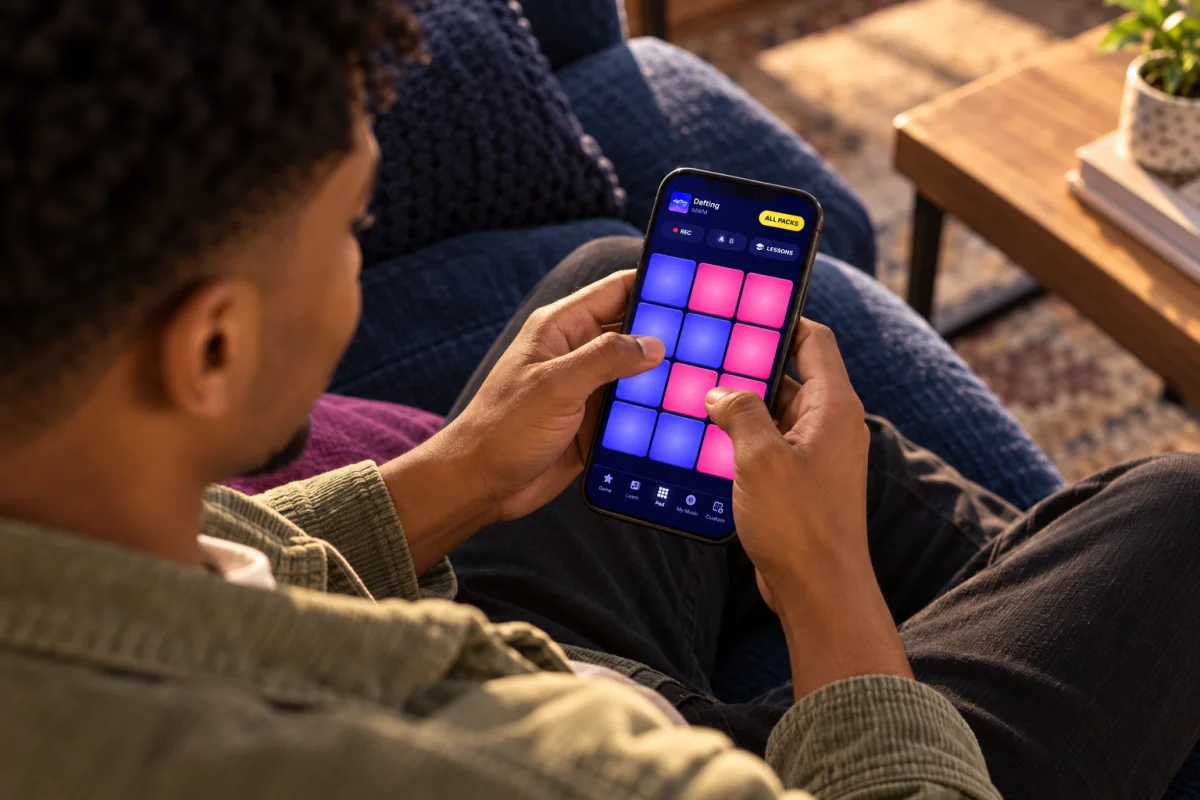
In the Pad tab, play any sound pack you have unlocked, freely. Every pad holds a sound, from drums and bass to leads and effects. Tap to play.


How the pads play
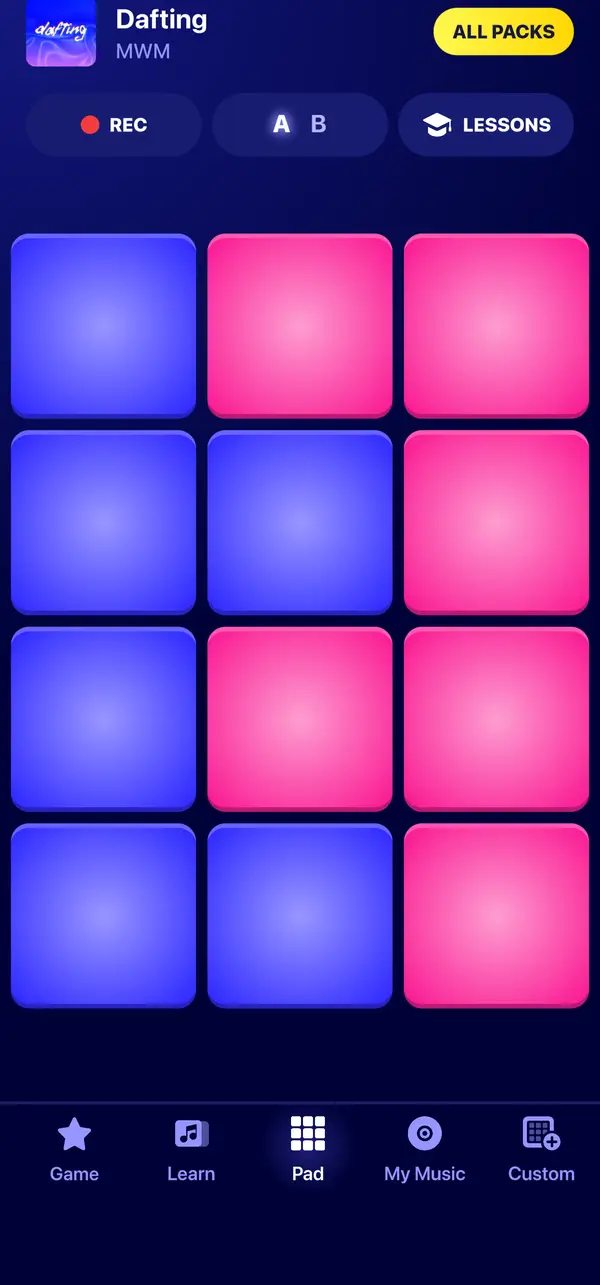
Each pack is laid out on a grid of 12 pads. Each tap plays the pad’s sound through to its end, like a drum machine.
Sounds by color
Pads are colored by family: drums, bass, lead and effects, so you can find your way around a pack at a glance.
Deck A, deck B
Many packs have a second deck of 12 pads. Switch between A and B to reach more sounds.
Sounds that cut off
In many packs, playing a sound stops the previous one from the same family, so your beat stays clean.
Any pack
Switch packs from the pad screen. A pack you have not unlocked yet shows how to unlock it.
Record and share
Hit REC.
Keep your best take.
Tap REC, play, then stop. Listen back, name your recording and save it. You will find it in My Music, ready to play again, rename, delete or share as an audio file.
Questions about recording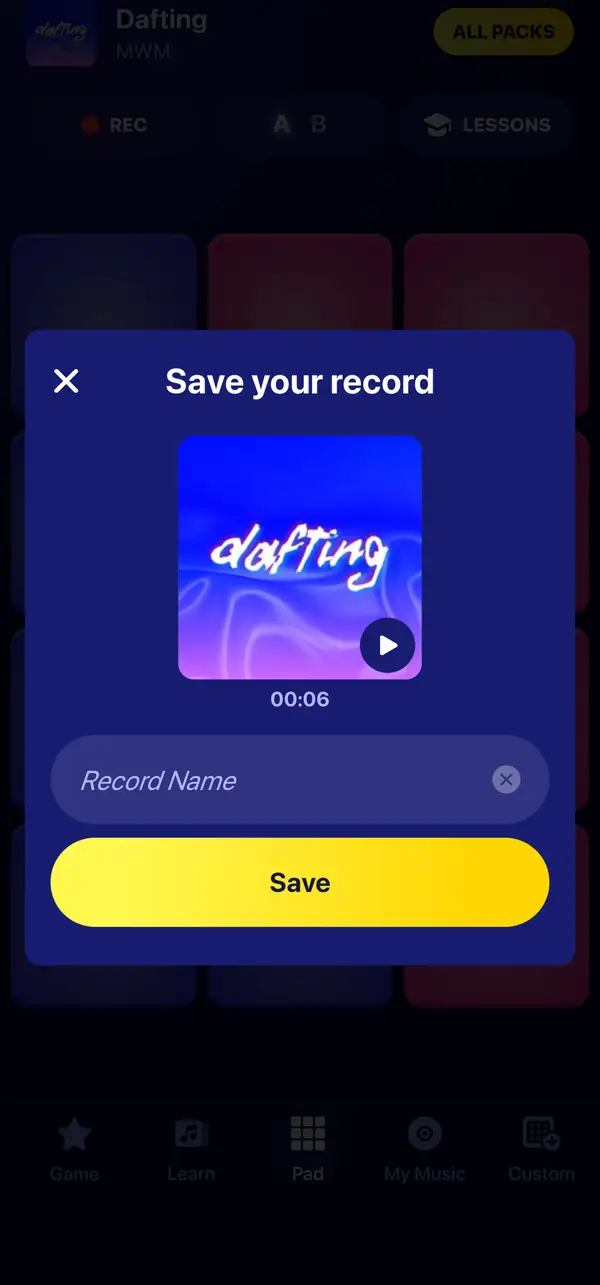
Questions & answers
Questions about the drum pads
Can I loop a pad?
No. Each tap plays the pad’s sound once, through to its end. To keep a rhythm going, you play it, like on a real drum pad.
Can I add effects or change the tempo?
No. The pads play the sounds of the pack as they are, without effects, filters or tempo control.
Can I import my own sounds or use the microphone?
No. Sounds come from the packs of the app. You can mix them in your own kit with custom packs.
What format are recordings in?
Recordings are saved as audio files: M4A on iPhone and iPad, AAC on Android. You can share them from My Music with the share options of your phone.
Your pads are ready.
Pick a pack and play your first beat.